Button Maps - Phantom
The Button Maps screen can be used to configure custom button actions.
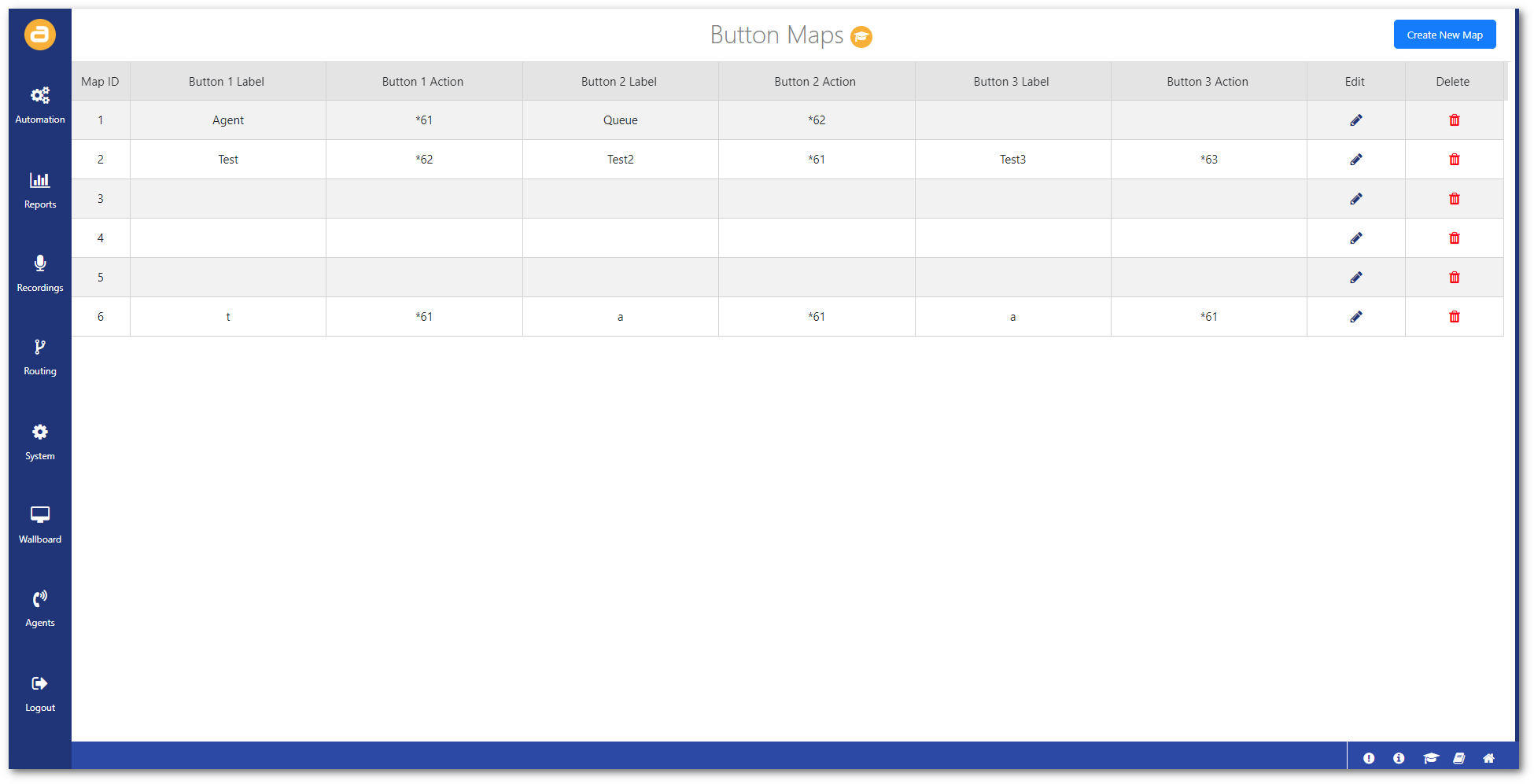
To access this screen:
- Click on Button Maps from the Agents menu.
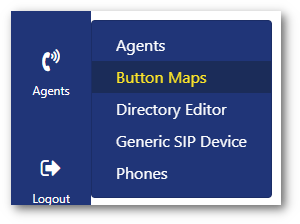
Create button map
To create a custom button map:
- Click on Create New Map in the top-right.
- Enter the Label text and select an Action.
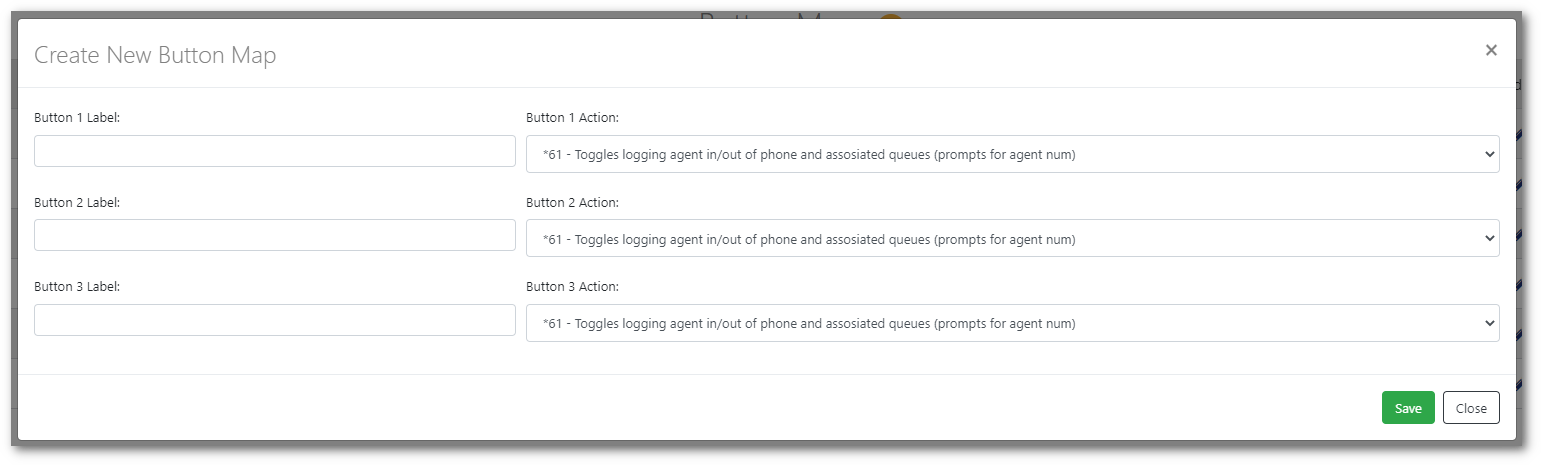
- Then click Save.