Generic SIP Device - Phantom
The Generic SIP Device screen can be used to add SIP Devices such as Grand streams for converting analogue lines to SIP lines.
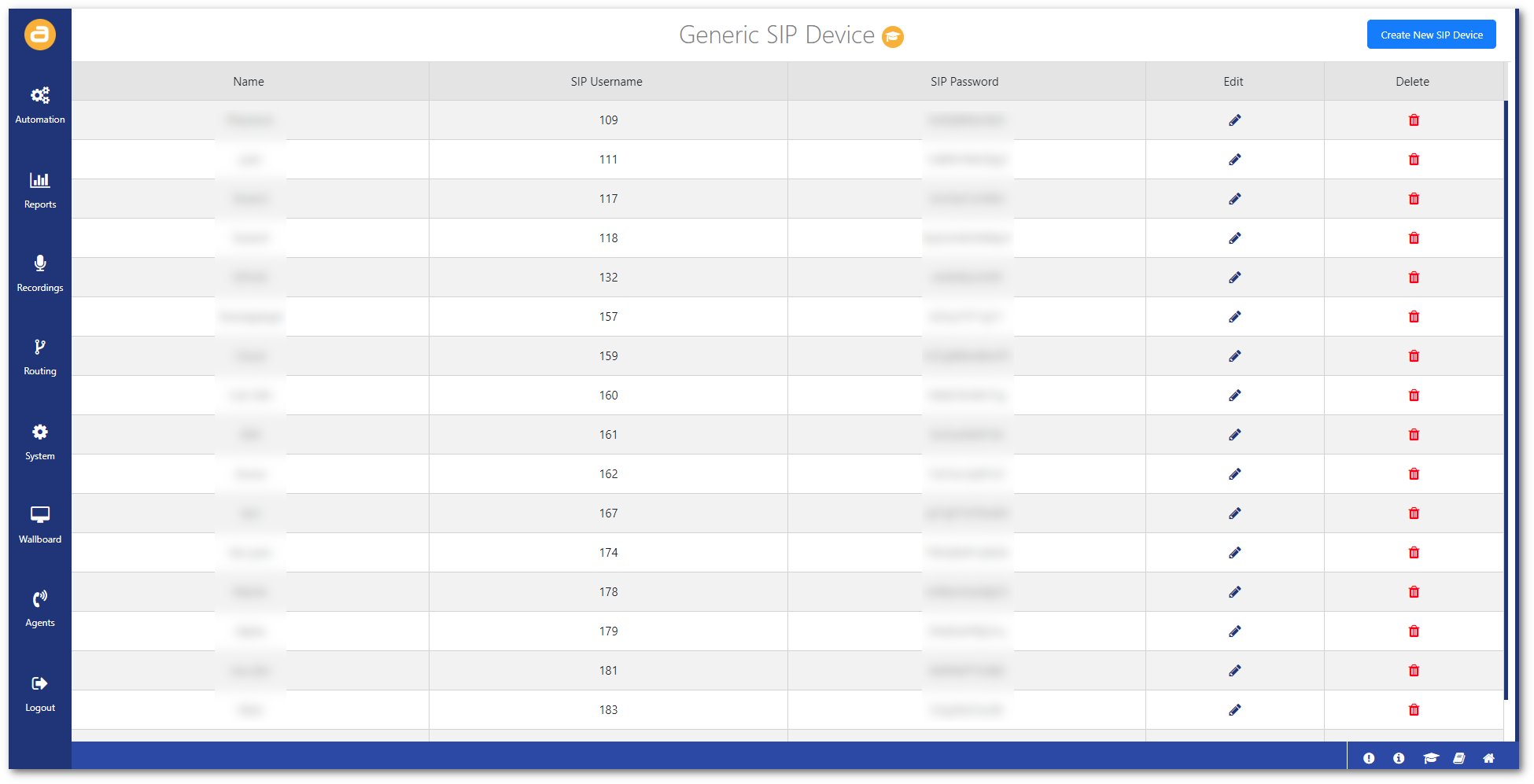
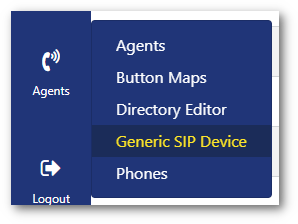
To access this screen:
- Click on Generic SIP Device from the Agents menu.
Create a generic SIP device
To create a generic SIP device:
- Click on Create New SIP Device in the top-right.

- Configure the SIP device:
Phone Name: Enter a name for the phone.
Dialplan: Select the type of dialplan the phone uses.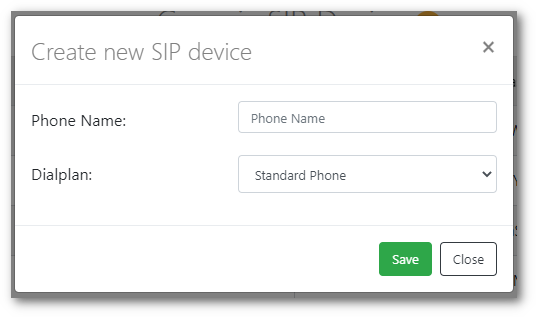
- Then click Save.