Phones - Phantom
The Phones screen lists all the handsets currently connected to your system and is useful for viewing handset information or changing the configurations.
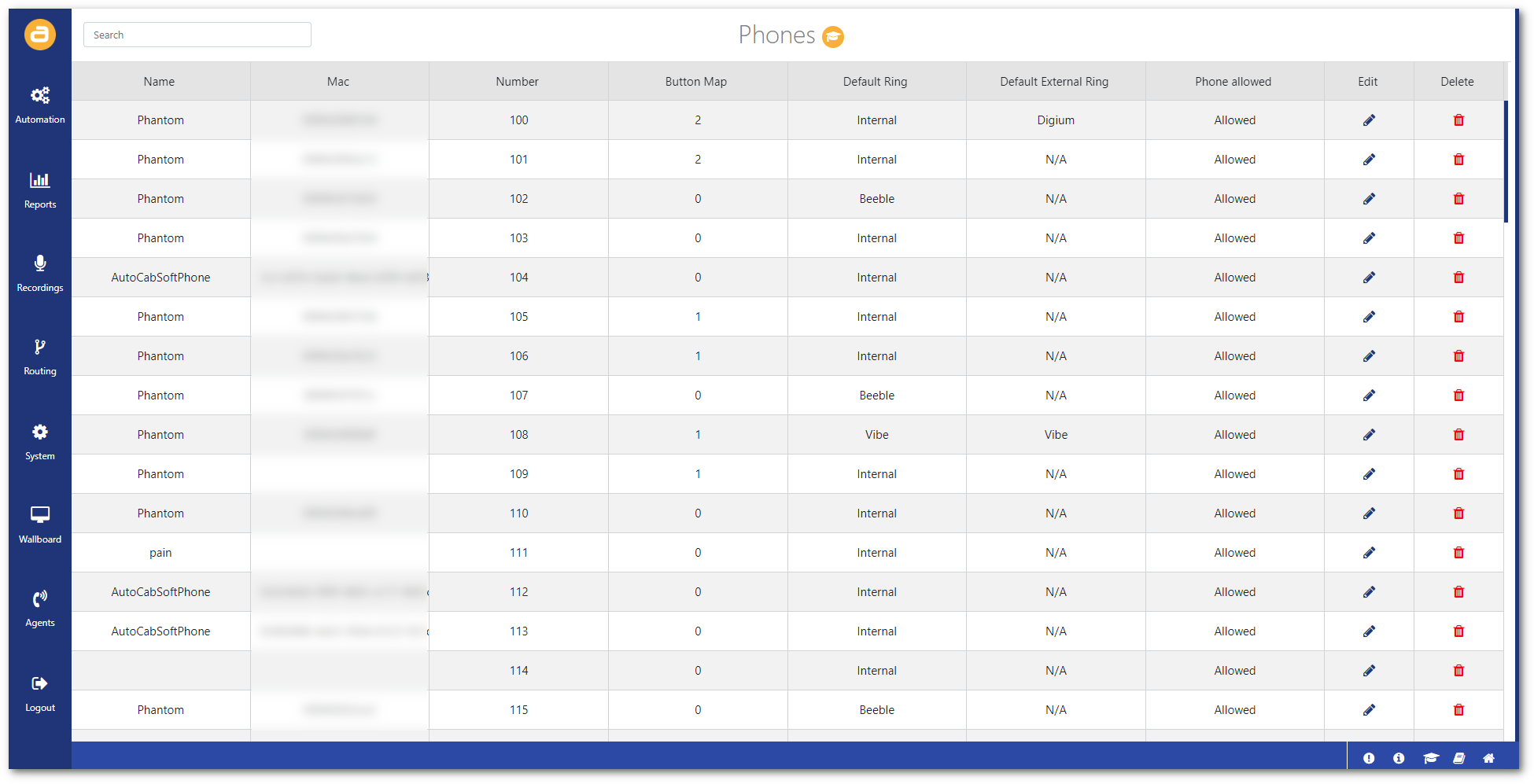
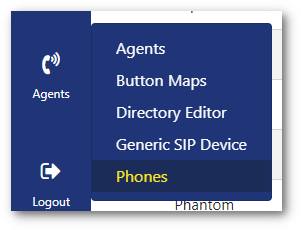
To access this screen:
- Click on Phones from the Agents menu.
Edit phone
To edit a phone's configuration:
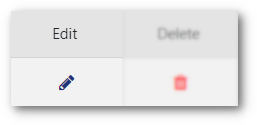
- Click on the (Edit) icon.
- Change any required settings:
Name: Enter a unique name to identify the phone.
Directory: Select the phone directory.
Button Map: Select which button map the phone will use.
Default Ring: Select the default ring tone.
Default External Ring: Select the external ring tone.
Remote Phone: Enable if this is a remote phone.
Allow Phone: Enable to allow this phone to be used.
Allow outbound calls: Enable to allow this phone to make outbound calls.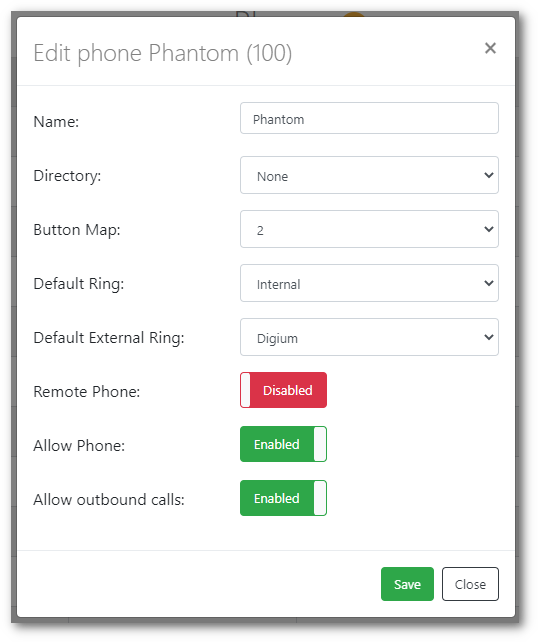
- Then click Save.