System: Phantom Servers - Phantom
The Phantom Servers screen allows you to create new Phantom servers for the system.
Note: These settings are [ Engineer Only ] and should only be changed by a qualified Autocab engineer.
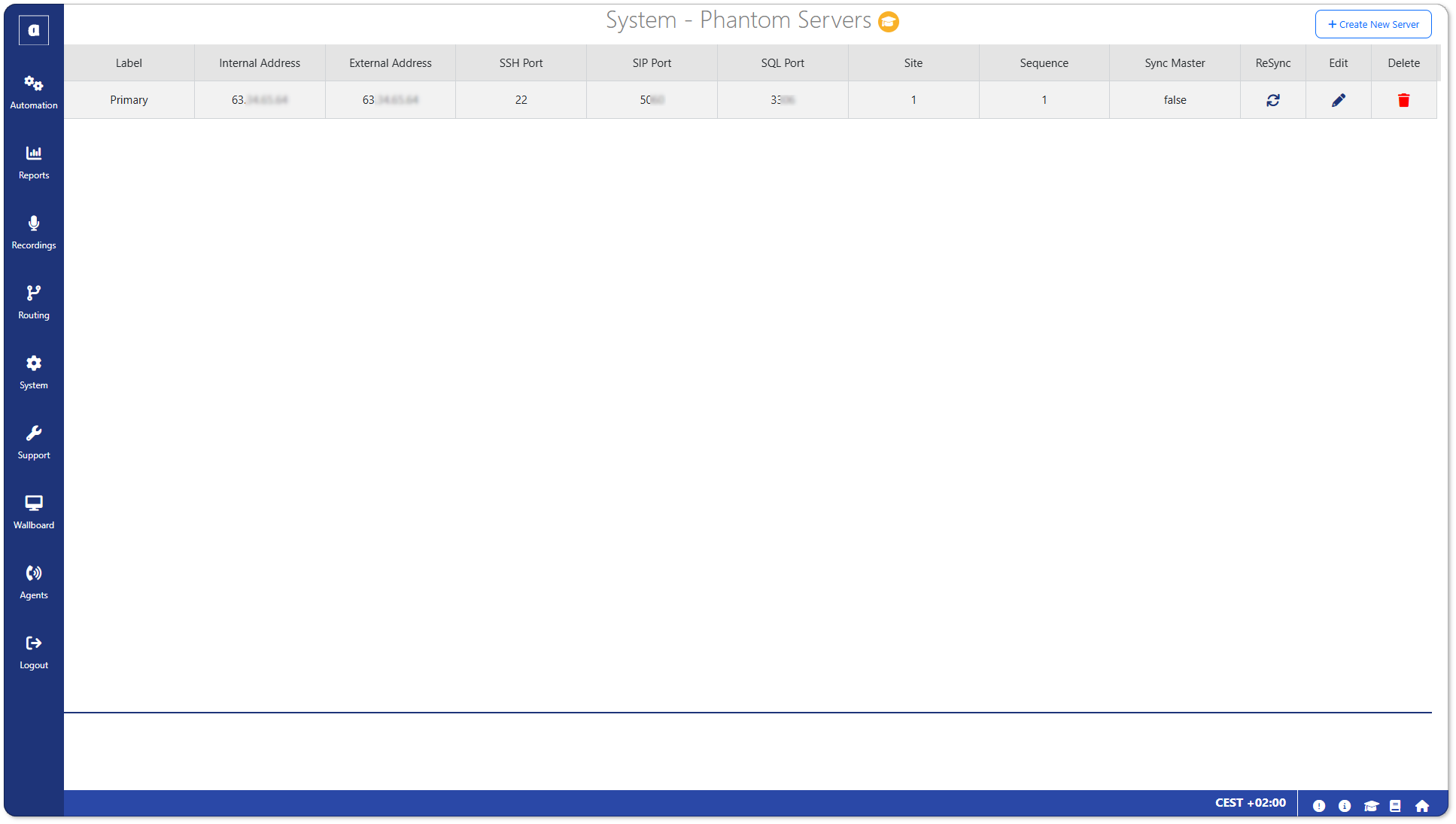
To access this screen:
- Click on Phantom Servers from the System menu.
Create a server
To create a new Phantom server:
- Click on Create New Server in the top-right.
- Configure the server settings:
Label: Enter a label to identify the server (E.g. Primary).
Local Server: Enter the local server address, if required.
Internal Address: Enter the internal IP address of the server.
External Address: Enter the external IP address of the server.
SSH Port: Enter the SSH Port number of the server.
SIP Port: Enter the SIP Port number of the server.
SQL Port: Enter the SQL Port number of the server.
Site: Enter the server site.
Sequence: Enter the server sequence. - Then click Save.